

Still not sure how to start these blog posts, I’ll figure it out eventually
Recently, I decided to learn to homebrew my DS Lite, primarily so I could copy my games off of their cards (ROMs and saves). There’s a bit of history to this, so buckle up while I recount how I got here.
Preface – Video Game “Rips”
This story starts with SiIvaGunner. If you don’t know who that is, they’re a channel on YouTube that uploads what they call ‘high quality rips‘ of video game music, but in actuality these ‘rips‘ are mashups of two or more pieces of music, one of which is the title track originating from a video game (this is the case most of the time, but there are exceptions to this).
Though they say they only upload high quality rips, I find the quality does tend to vary. Some rips are very much intended as jokes and may only piss of the listener, but there are plenty of rips that are incredibly well made and go especially ‘hard’, as it were. These definitely make up for all of the less-than-stellar rips.
I highly recommend you check out some of SiIvaGunner’s work, I don’t think my description could possibly do them justice. I’ll leave the link to their channel here:

Anyway, if you couldn’t already tell, I’m quite a fan of SiIvaGunner’s work. At one point they uploaded a video describing the process by which anyone can submit their rips to the channel (that is how the channel works after all – a mostly anonymous team of content creators voluntarily submits rips), and that got me interested in learning how to make my own rips to submit to the channel.
I didn’t have any ideas at first, but then I started thinking about some of the music from Professor Layton and the Lost/Unwound Future – a wonderful game by the way, one of my favourites from when I was younger, and still one of my all-time favourite games.
The channel had some rips from the first game in the series (PL and the Curious Village), but nothing from any of the other games (and still doesn’t). So I thought, ‘Why not make a rip of one of the tracks from this game?’ Or something along those lines.
But I still didn’t know anything about how to even begin to do this, so I went digging around, and found a few resources, the most useful of which being this article from the SiIvaGunner team describing the process of making a rip:

I tried to make my own rip based on my idea with the tools I had – that is, Musescore – but that didn’t turn out very well. It seems trying to recreate a song with a DAW (Digital Audio Workstation) not really designed for it doesn’t work too well.
Apparently many people in the space use FL Studio to make rips, which is fair because it seems like a great tool for it, but it’s not free, so I’m stuck on that for the moment. I’ll probably revisit it later if I can’t do anything with other tools and DAWs.
Returning to the WildMatsu article above, I ended up reading through it and Step 3 gave me the starting point on what I needed to know to potentially make progress and save myself some work trying to recreate the tracks unnecessarily (cause that would be a pain, especially with the wrong tools).
It described being able to get the music I needed by obtaining a ROM (Read Only Memory – basically the game without any of the save information) of the game and feeding it through a program called VGMTrans, as long as the music the game uses is sequenced (stored as a text file or similar and describes a sequence of notes for the game to play) and not streamed (stored directly as an audio-type file, such as .mp3 or .ogg).
I still don’t know if the Professor Layton games – especially the later ones – use sequenced or streamed audio, and I suppose that’s something I’ll just have to find out.
But from this, I knew that the first step to being able to pull off my plans of making a rip would be to obtain a ROM of Professor Layton and the Lost Future. Now, at this point I have two options:
- The Easy, Fast, Cheap, Most-Definitely Illegal Route – pirate the game off of some ROM-hosting site and use that, OR
- The Not-So-Illegal, But Much More Complex And Costly Route – find a way to copy the ROMs off of the cartridge of the copy of the game I already own, and use that ROM.
Guess which option I chose ️:)
The Complex Route
All of what I’ve talked about so far has just been the setup. Now is where we actually get into learning to homebrew my DS so I can copy off (or, ‘dump’, as it’s referred to) the ROMs so I can use them for rips. At this point, I had no idea what to do or where to begin, so it took me a while to figure out what I needed to do.
The early “I don’t know wtf I’m doing” stage
I started by looking up how to dump ROMs off of cartridges, and I ended up at a YouTube video from 2014 describing the process I would later end up using, but it wasn’t super clear so I didn’t pay much attention to that process at the time.
What I did learn from that video though, and from a few articles and Reddit posts I read later, is that I needed a special type of DS cartridge known as a ‘flashcart’ (flash cartridge), which can take a microSD card and allows you to install and use custom firmware and software on the DS.
The flashcart featured in the video was an R4 SDHC flashcart, so I spent a bunch of time trying to find one of those on all of the online stores and marketplaces I could think of, as well as find other information on the flashcart. Turns out that that was very hard, I suspect because this sort of technology is from about 10-15 years ago, and is practically obsolete since you can do all of what these cards could do by simply hacking and homebrewing a 3DS, in a much simpler way.
In the end, after looking through eBay and Amazon and other, slightly more sketchy online stores, I didn’t find anything satisfactory, and the information I found didn’t instil enough confidence in these R4 cards for me to justify buying one.
On the other end of my research, I found some articles pointing me in the right direction for how to dump the ROMs once I had a working card, using a program called ‘Wooddumper’. The first things I found, which were old forum posts from around 2011(!), didn’t have especially complete information, but were a good start. They gave me a picture of how I would end up dumping the ROMs, and I managed (somehow) to find my way to a download of the program.
I saved that, and then pretty much stopped looking for a bit. I’d gotten a bit tired of getting nowhere with my research, and decided to stop and return to it later.
Looking at an alternate path
Between that and the eventual revelation of my research, I found some resources on how to do exactly what I wanted by hacking and homebrewing a 3DS.
And compared to what I’d found so far? This was very simple. All the information was there, it was all laid out incredibly clearly, and would definitely be the better method of dumping ROMs. There was just one small issue I had with it:
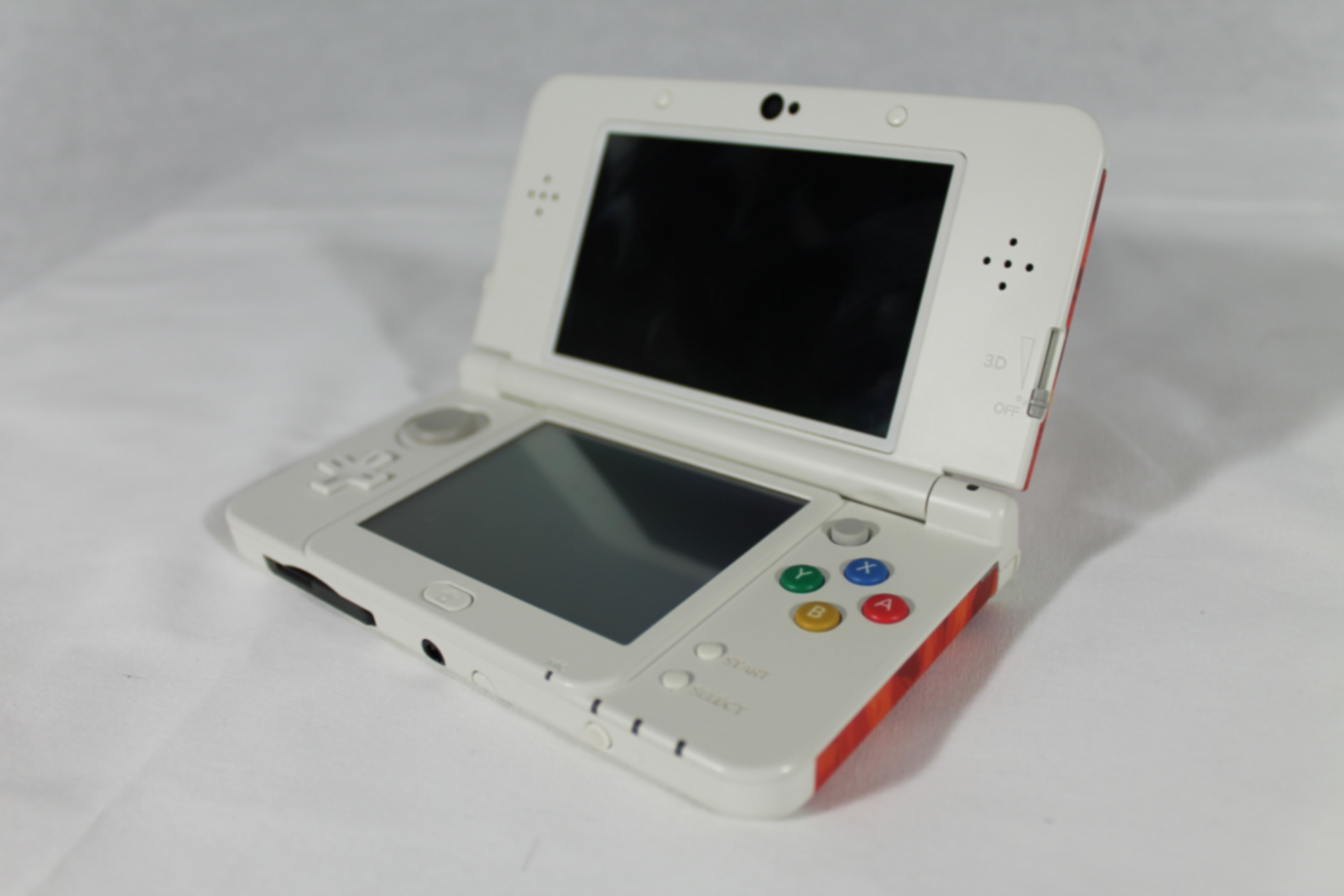
I don’t own a 3DS.
“But couldn’t you just buy one?” Well, yes, but second-hand 3DS’s are relatively expensive, if you want something that works, and I didn’t have that much to put towards buying a 3DS, nor could I justify spending around $200 just for this small project.
I did end up finding one really good deal – $100 for a whole working 3DS + charger setup, along with 10 games – but by the time I enquired about it, it had already been sold. That was my only justifiable 3DS option, and with that gone, I decided that it wasn’t worth the effort to find another lead, so I put the idea down.
I believe that this was about the time that I ended up finding the information I needed to continue on my original path with the DS Lite, so I didn’t need to use a 3DS for this anyway. I am still interested in trying this out, and I would definitely like to own a 3DS in future, but not for the moment being.
I’ll link the information I found, if anyone else is interested in 3DS homebrewing:
Hacking guide
Using your hacked 3DS

I see the light
I don’t remember how I eventually found the information I needed, but I must have discovered it on accident while I was digging through old Reddit posts on the topic.
I ended up finding this guide, which gave me the information I needed on flashcarts and which one to get. Turns out that there are a number of brands of flashcarts, and if you were to look at all of them and think “Man, these all look rather sketchy”, you’re not alone.
I felt that too when looking through the R4 cards, and I reckon it would have to be due to the fact that there isn’t any ‘official’ flashcart, as Nintendo never intended for this sort of thing to be done, and it seems to be the result of several Chinese companies reverse-engineering the DS cartridges to be able to do this. So kudos to them.
According to the guide, the flashcart I needed was the DSOne SDHC card. I easily found that on eBay after a bit of looking, and bought two of them as the guide noted that they tend to come faulty relatively frequently. So I figured having a second one in case the first one didn’t work as expected was a good idea, seeing as it would be a while before they arrived.
Within the guide, there were links to the setup instructions for this card, and to the downloads for the OS (Operating System) I would need – Evolution OS for if the card worked properly, YSMenu for if it didn’t. I saved all of these, and at that point left it alone as there wasn’t much left to do while I didn’t have the cards.
The last pieces
The cards arrived about a month earlier than I was expecting them to, which was great, and it was also my birthday soon after, so I figured I would make them a present to myself (as one does) and pick it up after that. Unfortunately, I got very sick at that time, and I ended up putting this project off for about two weeks.
Once I did finally return to this project, I had a few final things before I could actually get started:
- I needed a better guide on Wooddumper. Fortunately, I managed to find two resources that described the process pretty well.
- I set up a wireless connection on my DS in order to use Wooddumper the way the guides described.
- I needed microSD cards. They were a pretty easy find, just a couple of cheap 32GB SDHC cards at my local office supplies store.
- I also needed a way to read and write those microSD cards. I thought I already had a card reader at home, but I couldn’t find it, so I went out and bought a small cheap one.
With all of the information I needed, and all the materials acquired, I then spent a couple of hours working through all the steps of setting up the card and dumping the ROMs.
And you know what?
It’s Not That Hard
Sure, it took me a bit of time to figure out what I needed to do, but once I had the information, it became incredibly simple. For me, at least. I don’t know about anyone else.
It didn’t even take me an hour to set up the flashcart – the first one I tested out of the two I bought worked perfectly, so I haven’t even touched the second one. Most of my time was spent dumping ROMs from my DS to my phone, which I was using to establish a connection since the DS Lite’s wireless only works with WEP secured or unsecured networks.
It was slow as though – it was only managing to transfer about 500 bytes per second, and two of the Professor Layton games (Lost Future and Spectre’s Call) are a whopping 256MB in ROM size! It ended up taking about 40-ish minutes to dump each of them.
Still, I can now say that I have done it, I have learned how to dump DS ROMs off of a Nintendo DS Lite, and you can too, should you want to.
Here, I’ll even walk you through it.
The Process of DS Homebrewing and ROM Dumping
Useful information
Regarding the initial setup, the most useful resource I found was this one I linked to earlier:
This contains the information on not just the DSOne flashcart, which the guide recommends for the DS Lite and original DS (since everything in all of these resources works with either one), but also clear information on flashcarts in general up at the top of the page.
It also has a link to the setup guide for the DSOne, and download links for both of the operating systems you can use, depending on the state of your flashcart.
I’ll link the setup guide here directly:
For obtaining and using Wooddumper after the card is set up and working, I found the following 3 resources useful:
Wooddumper download

Wooddumper usage instructions


Materials you’ll need
Hardware
- A DS Original / DS Lite (obviously)
- A DSOne SDHC flashcart – searching up DSOne on eBay will show you many of these. Although the first one of the two I bought worked without any issues, according to the flashcart guide these fail relatively often, so getting at least two is a good idea if you want a fully working cartridge.
- A microSD card – the one I used was a cheap 32GB SDHC card, but I believe any size will work
- A microSD card reader, or a standard SD card reader and a microSD adapter
- If you’re doing it the way I did it, a smartphone or similar that can set up a mobile hotspot which can be set to WEP or unsecured (be sure to disconnect from the internet while doing so)
Software
- EvolutionOS if the card works properly, otherwise YSMenu
- Wooddumper – specifically the file named “wooddumper.nds” in the downloaded .zip file
- Some sort of FTP (File Transfer Protocol) program – I used Material Files on Android, since I was using an Android device for my setup, but there are other programs that will work
The Steps
Now, disclaimer: I have not tried to do this with a faulty card, I have only done this once and it worked for me perfectly first try. The steps outlined here are the ones I followed to make it work for me, and may not work so easily for anyone else. I recommend reading through the resources I’ve linked above, they have gone through this much more thoroughly than I can or want to.
Card setup
- Ensure the card is formatted properly to FAT32 format – If you have bought a fresh card, this is likely already the case. The setup guide says to format it using a piece of software specifically intended for formatting SD cards, but the built-in formatter in Windows will probably also do the trick. If you’re using an existing card, be sure to copy off anything that might be on it before formatting.
- After downloading EvoOS, unzip it and copy over both items (‘scfw.sc’ and ‘_dsone’) onto the card, put the card into the flashcart, and the flashcart into the DS. I recommend blowing onto the contacts in both cases to ensure that they have no dust and can connect properly.
- Now to verify that the card works properly – start up the DS while holding L and R. This will put the flashcart into self-test mode and will check the PSRAM (Pseudo-RAM), which is what EvoOS relies on to work and is (according to what I’ve read) the biggest point of failure with these cartridges. If you get a “PSRAM ok” message, then you’re good, otherwise the cartridge is faulty and you’ll have to use YSMenu instead.
And that’s it for card setup, if you then just start up the DS normally it will automatically boot into EvoOS and you can frig around with the settings. Again, refer to the linked resources if you want to know what they all do – or you could play around with it for a while and figure it out on your own.
You can also add any extra folders in the root of the SD card for organisational purposes. I have one for games and one for homebrew programs, which is where I put Wooddumper.
Speaking of dumping wood…
Dumping ROMs
- Set up a wireless connection on your DS, by using any game that has allows you to access the DS’s wireless connection settings, and give it a device to connect to. I used a mobile hotspot on my phone, with security set to unsecured (again, disconnect from the internet while doing so!)
- Put Wooddumper on your SD card and run it on your DS
- Follow the prompts it gives you upon opening it. It will tell you to insert the cartridge you want to dump, at which you can take out the flashcart and put the game you want to dump into the slot.
- After that, it will try to find a wireless connection. This is the point where you would want to open your mobile hotspot or similar connection.
- Upon finding a connection, it will display an IP address on the top screen, in yellow text (hard to miss). You’ll want to connect to this address in your FTP program, and upon doing so you’ll see 2 or 3 files listed:
- ABCDv00.nds – The ROM itself, by far the largest file
- ABCDv00.sav – The save data for this cartridge, if any
- ABCDv00.txt – Extra information about the ROM, mostly for archiving purposes
- Copy the files from the FTP server to a local folder on your device, and wait. As I said earlier, the transfer speed is VERY slow and will take about 5-10 minutes for many games, but some games may take up to an hour to transfer. You technically only need to copy the .nds file to obtain the ROM, but since the other files are so small you may as well copy them over too.
Once the files have been transferred, you can copy the .nds file onto your SD card and plug it back into your DS…
And et voila! You have a playable ROM!
Conclusion – Why did I do this?
Oh yeah, right, video game rips.
Frankly, since I started doing this, my interest in making those rips has dwindled significantly, and by the time I obtained the ROMs I wasn’t doing it to make video game rips anymore, but rather to preserve my now quite old games – and to unlock the full potential of Mario Kart multiplayer without needing to buy another copy ️:D
But you may be wondering, “You went to all of this effort to learn this, but you could have saved time and money and just pirated the ROMs. Why?”
To that, I have two reasons:
- Historically I haven’t been too keen on engaging in piracy, and I think that influenced my decision to not do it here. My attitude towards it seems to be changing as of late, but I’d still rather avoid pirating games and media if it’s reasonable to do so. I might go more into my thoughts on this in a future post.
- It’s an excuse to learn something new. Granted, this is a very outdated thing, and probably no-one else will need to or want to do this, since the same things can be achieved much more easily with a hacked 3DS. But I enjoyed learning how to do this, and I can say that the satisfaction I achieved upon completing this project and successfully dumping my ROMs was well worth the $80 or so I put into this.
I can also say that this has breathed a new life into my 10+ year old Nintendo DS Lite, and given me a bit of fun playing around with it and starting all of my games over from scratch (since I didn’t copy the saves onto my SD card).
I’ve also been looking into themes, which is one of the features that EvoOS has. It has a number of default themes, and the ability to install custom themes. I did a bit of research on this and found a custom theme that I managed to get working without any trouble, I simply dragged it into the themes folder and it worked.
Of course, because I just loooove doing hard things unnecessarily, I now want to have a go at making my own custom theme. It looks to be pretty doable, it’s just a bunch of bitmaps and a configuration file. I’ll have to learn how the config file works, and how to make the bitmaps (probably pretty easy to do with GIMP).
So that may be something I end up doing, and if so I’ll likely bring it up here, and go through the process of how I did it. Not that anyone will need to know how do this, but someone might be curious, just as I am. You never know.
Anyway, that’s it for this post. This ended up being way longer than I anticipated (over 4,300 words!), but I don’t think I made it unnecessarily long – I’ve talked about what I want to talk about in a comfortable length. But even so, I do feel like my writing could use some improvement.
It’s fine though, this is my first actual post after all, and I will definitely get better at it with more time and practice. I just hope that this is engaging enough that people actually might read through the whole thing. I’ll probably edit it before this is posted, but not too much.
After all, it’s my (largely) unaltered stream of thought and I kind of want it to stay like that, but it may not be interesting for people to read. We’ll see.
If you want to talk to me about anything I’ve discussed here, or have some corrections or adjustments that you think I should make to the information I’ve provided (although I’ve done my best there’s probably something that’s wrong or not quite clear), you can email me at:
nacho.blog@mrnachowagon.com
I’ll probably reply eventually.